Just found this post on the Kindle forums that lists free writing books for the Kindle. The books are free today, November 6, but generally, these books only stay free for a short time.
Tag Archives: Kindle
New Kindle Fire Commercial
Here’s the commercial for the new Kindle Fire. Disclaimer: I’ve gotta say, I know that feeling of anticipation and excitement when I see an Amazon box on the porch!
News Bits and Bytes for November 3, 2011
There’s lots of news today on the Kindle and Nook fronts….
There is a lot of buzz today about the Kindle Lending Program. None of the “Big Six” publishers are yet on board with what is rumored to be the start of Amazon’s “Netflix for books” lending program for books. This article from Paid Content fills in some of the details.
There is already a list of categories for the books in the lending library, and I predict that you will see lists of the books available soon.
There’s also a thought-provoking article in Publisher’s Weekly that talks about Amazon’s program and how libraries may fit into the future of lending.
On the Nook front:
According to Engadget, The Nook Simple Touch price is being reduced to $99, effective November 16, 2011. And, B & N is pushing the fact that there are no ads!
B & N is also reducing the price of the original Nook Color to $199. In addition, they are adding apps for Hulu plus and more streaming music options for the device.
Engadget is also reporting that B & N’s new Nook Tablet (the successor to the Nook Color) will retail for $249. The tablet, which launches November 7, is touted as having everything the current Nook color has plus “the best in HD entertainment.” In-store demos start on November 15.
Kindle Lending Library Details
Amazon explains the Kindle Lending Library program in more detail on their help page for the lending program.
A few main points:
- The program is only for Amazon Prime Members
- The program is only open to U.S. Kindle and Fire owners
- The books can only be read on devices, not the software apps. They cannot be read on an iPod or iPhone.
- The device must be registered to the same account as your Prime membership
- The program does not begin until Thursday, November 3, 2011.
- You can only read one book per month with no “roll-overs.”
Amazon Announces Free Kindle Lending Library
This is HUGE news! Amazon has announced a free Kindle lending library with Amazon Prime membership. Users can borrow as frequently as a book a month and there are no due dates.
You can read the press release here. Details of the program are at www.amazon.com/kindleownerslendinglibrary.
News Bits and Bytes for 10-20-2011
Kobo has announced their new color reader, the Vox. It is available for pre-order and will be shipping on October 28. You can read the press release here. Kobo is also having a contest in which you can win a Vox.
According to this article from SlashGear, Amazon has added Kindles to their electronics trade in program.
What do you do if your beloved eReader is [Gasp] lost or stolen? This article from Mashable has some tips.
Barnes and Noble is expanding their Marketplace, “adding over one million new products to the catalog,” according to today’s press release.
For self-publishers, Amazon has announce Kindle Format 8, which has HTML 5 support. Read Mike Cane’s take on the news here.
Is the Kindle 4 coming to Australia and beyond?
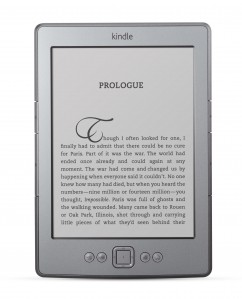 A reader on the Amazon message boards shared this link to an ad from Australian retailer Big W advertising a Kindle pre-order shipping on November, 7, 2011. I have also heard that it can be ordered from the Dick Smith stores in Australia.
Because it is international, this version is the same as the $109 Basic Kindle – there are no special offers. Also note that it is not the Touch version.
Does this mean that the rest of the world is probably not far behind?
(International users should check the Kindle page. I had heard that there are international landing pages for the basic Kindle available now, but since I am accessing the site from within the US, I can’t see them….)
The $79 Kindle – A first look
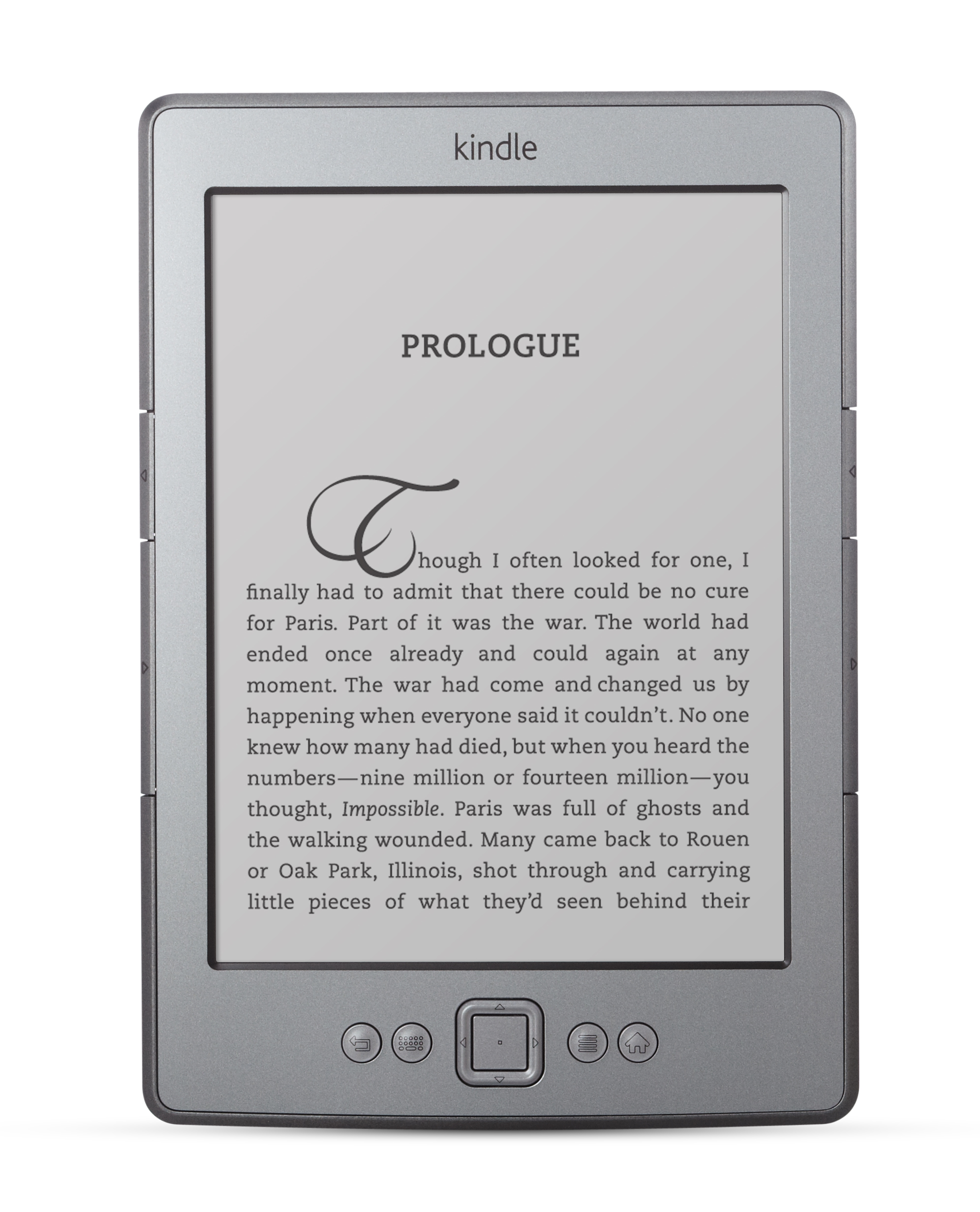
Like everyone else, I am anxiously awaiting the arrival of my Kindle Fire. I am also trying to decide which version of the Kindle Touch I want. In the meantime, however, I have been getting to know the new basic K4, the $79 Kindle with Special Offers. I have to admit, in many ways, I have been pleasantly surprised by the new Kindle. I honestly have to admit, this eReader is just downright cute!
I should probably point out that I was an early adopter of the first Kindle and still have two working K1’s. I also have a K3 (now the Kindle Keyboard 3G). I skipped the K2 because I didn’t like the look of the joystick controller.
Size
The size is smaller than the palm of your hand. And the weight is just 6 ounces. That makes this Kindle just perfect for one-handed reading. The new gray color is absolutely lovely. The device logo now reads just Kindle, rather than Amazon Kindle.
Buttons and Ports:
The new Kindle has 5 buttons: Back, Menu, Home, Keyboard and the now familiar 5-way D-pad from the Kindle Keyboard.
The keyboard button is easier to use than I anticipated it would be. The keyboard is laid out alphabetically, rather than QWERTY.
New side buttons. – There are pros and cons to the new side buttons. They are now hard to accidentally press. You can actually pick up the Kindle by the sides now without accidentally turning the page. The cons are that these new buttons are extremely small and harder to press. You also now must press them dead on in order to turn the pages. The new arrangement takes a little getting used to.
On the bottom of the device is the power button. This button pushes in to wake the Kindle, rather than sliding like the power button on the previous Kindle. The USB port is also on the bottom of the reader. A USB cable is included, but a power adapter is not. You can buy one from Amazon for $9.99. (Unofficially, I used my K3 adapter and it worked just fine.)
There is no headphone jack or speakers. No speakers means no Text-To-Speech, no MP3s and no audio books. Whether this is a pro or con actually depends on how you use your Kindle. I actually prefer my iPod touch or my Sansa Clip+ for audio and mp3s. Even though I am vision impaired, I personally didn’t care for the Text-To-Speech, so the loss of any of these features was not a problem for me.
Battery
Battery Life. This device definitely does not have the battery life of the earlier incarnations. This is especially true when new books are first put on the device. The Kindle must index all that new content and the battery drain is significant during that time. When the Kindle is not indexing, it is much closer to the battery life of the previous Kindles.
Screen
The K4 uses the same E ink screen as the K3. I put the two side-by-side and the screens were indistinguishable from each other.
Refresh Rate: This new Kindle deals differently with the “flash” that previous models had when changing pages. Personally, I am not quite sure yet if I like the new text refresh. There is already a firmware update for the K4 for those that prefer the old style refresh.
Special Offers: Most of the ads that I have seen so far are less obtrusive than I would have thought. The ones that aren’t, however, are kind of glaring. Amazon now does allow you to buy your way out of the special offers.
Under the Hood
This Kindle has less RAM than previous versions. This means that a lot of Kindle Active Content may not or will not run on the device. There are pros and cons to this – Obviously, it limits content (especially for new users), but I personally find the active content too distracting. I find I get more reading done without the games .
The experimental browser is still there. But, this device is wi-fi only. That means no 3G browsing or downloads of books.
Accessories
Smaller footprint may mean that it is more difficult to find a third-party light to fit the device. Neither my Mighty Bright or my Kandle lights worked very well. On my older Kindles, I usually attach the light to the cover and I may be noticing this more as I haven’t gotten a cover for it yet.
When Amazon announced this in September, there were few covers ready for this device – That fact surprised me. There are a few Amazon covers available for pre-order and also third-party covers. However, more covers are appearing on the site every day.
The price of the covers was also surprising to me. Amazon Lighted cover for the new Kindle is $59, a price that I thought was high for an entry-level device. At only $79, this is almost a disposable device and I would expect a cover priced accordingly at probably around the $20 price range. But even the non-lighted Amazon cover is twice that at $39.
Ultimately, I have concluded that this is a device that is truly streamlined for reading. It is an amazing device. It is also attractively priced and really opens up the market to everyone. My first Kindle cost $400. At $79, I think this one is a great bargain that truly makes eReaders affordable.
Get rid of the ads on your Kindle
 For those of you who opted for the ad-supported version of the Kindle and discovered that you hated it, there is now a remedy for that. According to PC Magazine, the new $79 Kindle with Special Offers does allow you to subscribe to the ads. However, you will be charged the $30 difference in price from the ad-free model.
Amazon Press Conference Video
In case you missed it, here is the video of the Amazon Press conference of 9/28/2011 announcing the new Kindles and the Kindle Fire tablet. I really wished Amazon would have streamed this live! Shifting back and forth between 3 live-blogging sites just wasn’t the same! 🙂
 The eBook Evangelist